
Your Campaign Won the Click. Is the In-App Browser Losing the Customer?
A customer sees your Instagram campaign at exactly the right moment.
The product catches their attention. The offer makes sense. They tap.
Your website opens, and they are ready to take the next step—until another login screen appears.
They have bought from you before. They may already be signed in through their regular browser. But this visit has opened inside a different browsing environment.
Now they need a password. Or an OTP. Or another minute they were not planning to spend.
A notification arrives. They return to their feed. The purchase can wait.
This is an illustrative journey, but it highlights a question every business investing in social traffic should ask:
What happens between the click you paid for and the action you wanted?
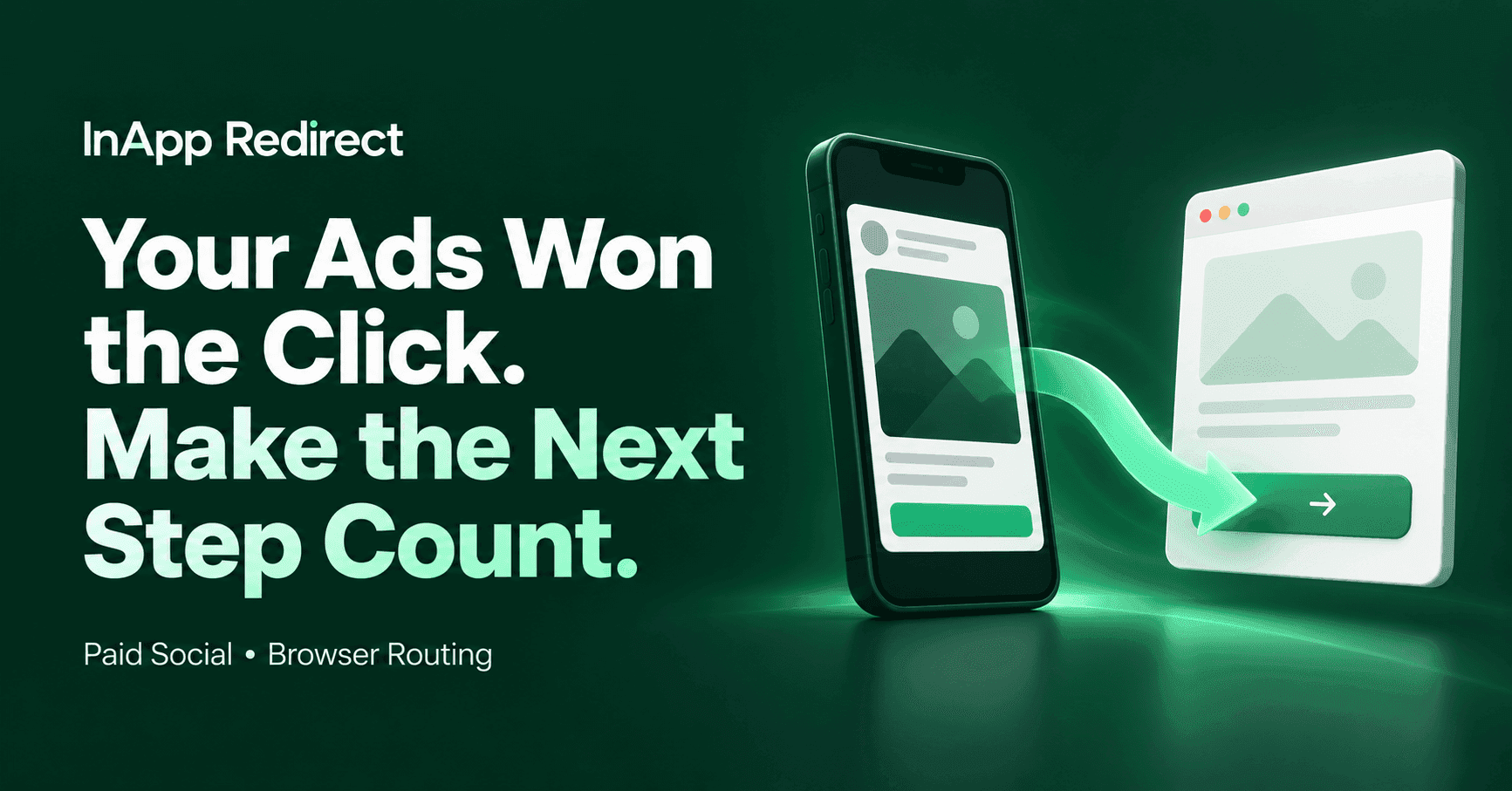
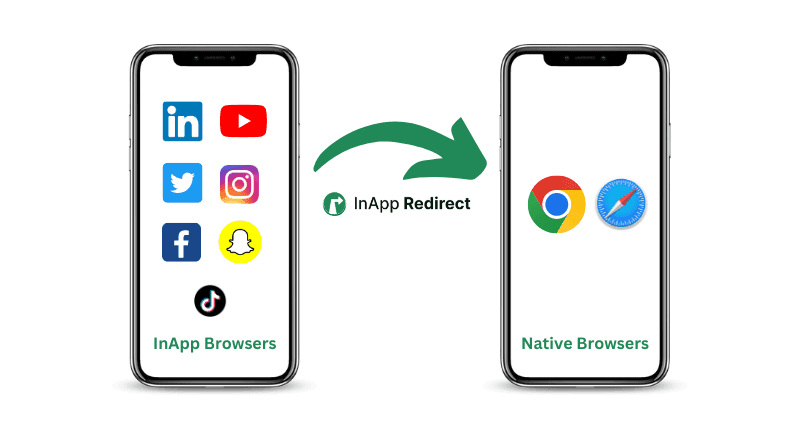
InApp Redirect helps you improve that part of the journey by giving eligible visitors a way to continue in an external browser, such as Safari or Chrome.
Your campaign has already created interest. Make the next step worth staying for.
The Part of Your Campaign That Starts After the Click
Marketing teams spend time improving creatives, audiences, offers, and landing pages.
Yet the browser opening that landing page can receive far less attention.
A website link clicked inside a social app may open in an embedded browser. Depending on its implementation, that environment can have a different session and different available features from the browser a customer normally uses.
For a returning visitor, that difference may mean another login. For someone completing a form, it may mean a different autofill experience. For a booking or payment journey, it may change how the handoff behaves.
These experiences vary. The opportunity is to find the friction affecting your visitors and give them a better route.
If you are new to the distinction, read our guide to in-app browsers and default browsers.
The click is the beginning of the customer experience. What follows deserves the same attention as the ad.
A Returning Customer Should Feel Like a Returning Customer
Imagine a reader following a news alert to an article from a publication they subscribe to.
They want to read. Instead, they see a sign-in page.
Or consider a traveller opening a message about an existing reservation. They want to manage the booking, but first they must recover their account details.
For a retailer, the same interruption can happen between a replenishment reminder and a repeat purchase.
In each case, the customer already has a relationship with the business. The website journey should help them use it.
When a valid session exists in the external browser that opens, customers may be able to continue without another login. InApp Redirect helps eligible visitors reach that browsing environment; the website still controls authentication and account access.
That is a practical reason to look beyond new customer acquisition.
There may be an opportunity in helping the customers you already reach finish what they came to do.
Three Moments Where Browser Friction Can Interrupt Intent
1. “I have already signed in before”
Another login can turn a quick action into a task.
The customer must remember credentials, retrieve an OTP, or move between screens. Each additional step asks for more attention.
An external-browser option may help returning visitors reach a valid session they already have. This is particularly relevant to stores, membership sites, publications, learning platforms, and customer portals.
2. “I only wanted to complete this form”
A prospective customer opens your enquiry form.
They are interested enough to provide their details, but the keyboard, field validation, or available autofill makes the process awkward.
The right response is to test the form in the environments your audience uses. If the external-browser journey works better, browser routing gives you a way to offer that experience to eligible visitors.
For real estate, education, and appointment-based services, the valuable conversion may be a completed enquiry or booking rather than an immediate purchase.
3. “I will finish this later”
Customers get interrupted.
They compare options, switch apps, check a message, or pause before paying. Whether they can easily resume depends on the website’s account, cart, and navigation behavior.
Test what happens when someone leaves and returns. Where a familiar external browser supports a more useful return journey, make that option accessible.
A customer who pauses has not necessarily lost interest. Give them a clear path back.
Give Your Instagram Traffic a Better Next Step
Your Instagram creative has one job: earn attention and motivate action.
The destination journey must carry that interest forward.
For a product campaign, that means reaching the relevant product and completing checkout. For a course provider, it means moving from interest to enrolment. For a service business, it means turning a profile visit into an appointment.
With Instagram in-app browser bypass, eligible visitors can choose to continue to your website in an external browser.
Start with the placement that matters most to your business:
- Profile links that introduce your services.
- Story links promoting a specific offer.
- Messages connecting interested customers with a destination.
- Ads sending visitors to campaign landing pages.
Test the actual placement and device, then make the successful journey easier to repeat.
For more context, explore our Instagram browser guide.
Make WhatsApp Follow-Ups Easier to Act On
A WhatsApp message often reaches someone who already knows your business.
They may be a previous buyer, an existing subscriber, a policyholder, or a customer with an upcoming booking.
That makes the next click particularly meaningful. You have a reason to contact them, and they have a reason to return.
WhatsApp in-app browser bypass helps eligible visitors continue in an external browser where a valid website session may already be available.
Think about the journeys you already send:
- A product reminder leading to a repeat purchase.
- A news alert leading to subscriber content.
- A booking reminder leading to reservation management.
- A renewal message leading to an account page.
- A class notification leading to a member booking.
Before sending another campaign, follow one of those links as a customer would.
Does the journey make the next action easy—or ask them to start again?
Choose the InApp Redirect Setup That Fits Your Campaign
You do not need the same setup for every destination. Choose based on how you share links and whether you control the website.
Domain Setup: improve the journey across your website
If you control your website and send traffic to multiple pages, Domain Setup gives you a website-wide approach.
Instead of creating a separate SmartLink for every landing page, you can keep using your existing destination URLs and offer eligible visitors an external-browser option through your website integration.
This is a useful fit for businesses running ongoing campaigns across product pages, articles, booking flows, and account destinations.
Start here when your website is the destination and you want one setup across its pages.
SmartLink: give selected links a better route
Sometimes you only need to improve one campaign link. Sometimes the destination is a website you do not control.
SmartLink lets you configure an individual sharing link for a website destination.
It gives creators, agencies, affiliates, and marketers a practical route for selected campaigns without requiring a website-wide installation.
Start here when you want to test a specific destination or work with an external website.
Link Shortener: make campaign links easier to manage
As campaigns grow, links become something you need to organize, measure, and maintain.
The InApp Redirect Link Shortener brings branded short links, click insights, and destination management into your workflow. It also offers an external-browser route for supported traffic, with visitor consent.
This is useful when you want a recognizable sharing address and more control over links after publishing them.
Start here when link management and campaign visibility are part of the problem you want to solve.
App Opener: send supported content to its app
Some destinations are better experienced in an installed app.
If your campaign leads to supported content on YouTube, Spotify, Amazon, or another supported service, explore App Opener.
Choose the destination experience that matches the action you want people to take.
Start With One Journey You Can Improve
You do not need to change every campaign at once.
Choose one valuable journey and walk through it from beginning to end.
Step 1: follow the real campaign link
Open it from the Instagram or WhatsApp placement your audience uses.
Check the landing page, login requirements, form entry, and final action. Record where the experience becomes difficult.
Step 2: compare the external-browser experience
On the same device, complete the same task in the relevant external browser.
Check whether the difference is meaningful. For returning-customer journeys, record whether a valid session already exists.
Fix website errors that appear in both environments. Use browser routing where it addresses an observed difference.
Step 3: configure the appropriate product
Choose Domain Setup for your website, SmartLink for an individual destination, or Link Shortener when you also need ongoing link management.
Verify the visitor prompt, final URL, campaign parameters, and the experience when someone chooses to stay inside the original browser.
Step 4: measure the action that matters
Track purchases, bookings, qualified enquiries, subscriptions, or account tasks—not just successful redirects.
Where feasible, compare equivalent groups during the same period. Include visitors who decline or fail the handoff so the results reflect the full experience.
This gives you a practical basis for deciding where to expand.
Look for More Value From the Traffic You Already Earn
More traffic is valuable. So is making existing traffic easier to convert.
For a publisher, the opportunity may be helping a subscriber reach an article. For a travel company, it may be helping a customer complete a reservation. For a retailer, it may be removing an avoidable login before another purchase.
The outcome depends on the journey, which is why measurement matters.
If paid campaigns are your focus, explore native browser routing for Meta Ads ROAS.
For a detailed testing approach, read how to evaluate native browser redirects and social ads ROAS.
Before paying to bring more people to the same point of friction, investigate whether you can improve the journey already receiving attention.
Frequently Asked Questions
How can InApp Redirect help improve conversions?
InApp Redirect helps eligible visitors continue to a website in an external browser. Where that journey reduces an observed obstacle—such as an additional login or a problematic form interaction—it may help more visitors complete their intended action.
Will returning customers already be logged in?
They may be, if a valid session exists in the browser that opens. InApp Redirect does not transfer cookies or bypass authentication; it helps visitors reach the external-browser journey.
Should I use Domain Setup or SmartLink?
Use Domain Setup when you control the website and want routing across its pages. Use SmartLink for individual destinations or websites you do not control.
Can I use it outside ecommerce?
Yes. Relevant journeys include subscriber articles, reservations, appointments, enrolments, renewals, enquiries, and customer account access.
Do I need to replace all my campaign URLs?
Domain Setup is designed to work through your website while allowing you to keep existing destination URLs. SmartLink creates individual sharing links for selected destinations.
What should I measure after setup?
Measure successful arrivals and completed business actions. Include unsuccessful handoffs and visitors who remain inside the original browser. This helps you evaluate the overall effect rather than only the visitors who redirected successfully.
Make the Next Click Count
Your creative earned the attention. Your offer created interest. Your customer took the first step.
Now give the journey after that click the same care.
Explore Domain Setup to improve eligible journeys across your website, or explore SmartLink to start with one campaign destination.
If you also want branded links, click insights, and ongoing destination control, explore the InApp Redirect Link Shortener.
Start with one journey. Find the friction. Give interested visitors a clearer next step.
Written by
About the author

Shubham Saurabh
Connect on LinkedInShare this article
Found it useful? Pass it along.