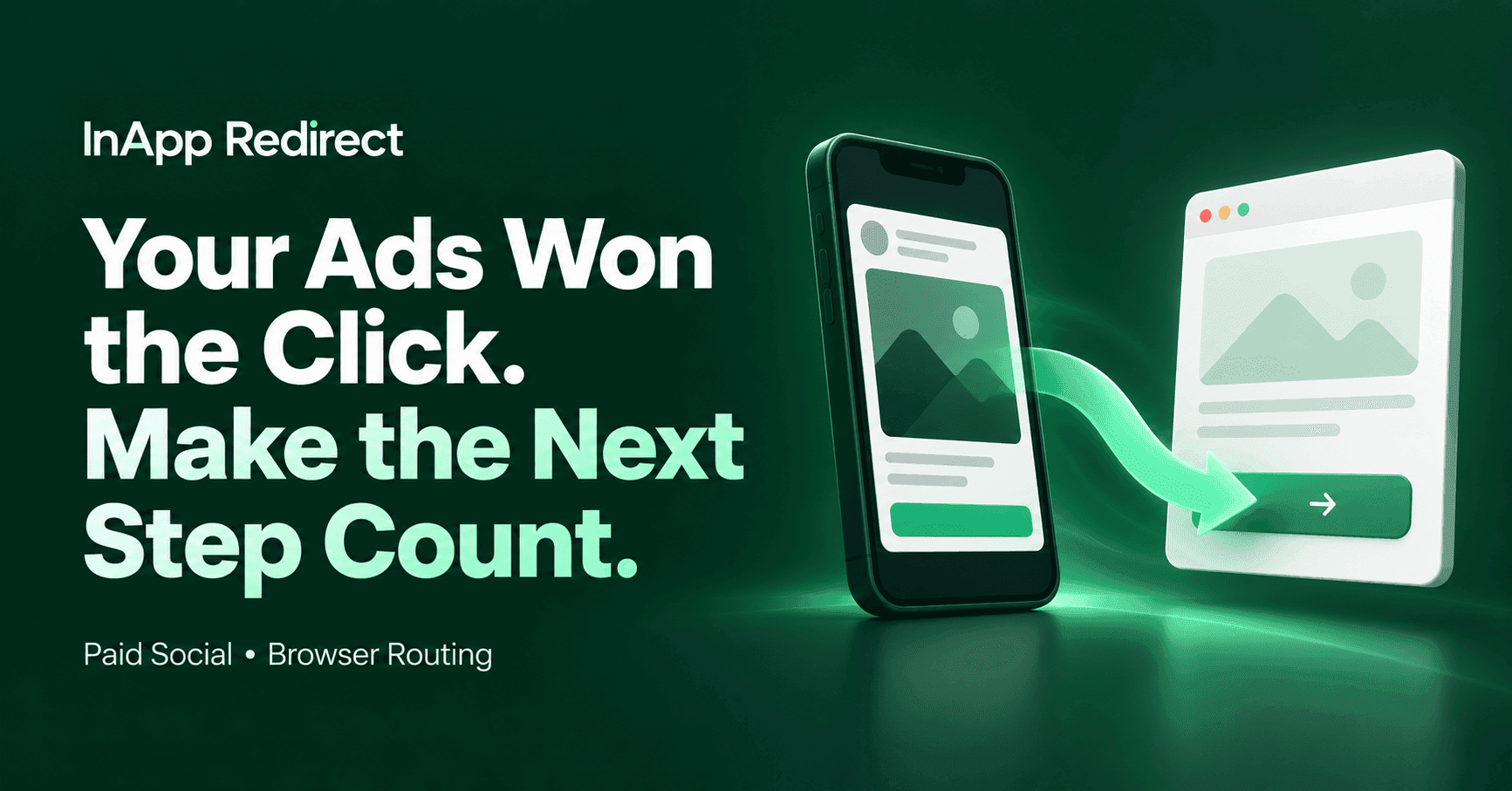

Your Social Ads Earned the Click. Make the Next Step Count.
Your campaign is live.
The creative is attracting attention. People are clicking. Your offer is reaching the audience you worked hard to find.
But the purchases, bookings, or enquiries are not keeping pace.
It is tempting to replace the ad, adjust the targeting, or increase the budget. Before you do, follow one of those clicks yourself.
Open the ad on your phone. Visit the destination. Complete the task.
Does the journey feel as convincing as the campaign?
For some visitors, the next step is another login. For others, it is an awkward form or an interrupted payment flow. When that friction happens inside a social app’s browser, a promising click can become unfinished business.
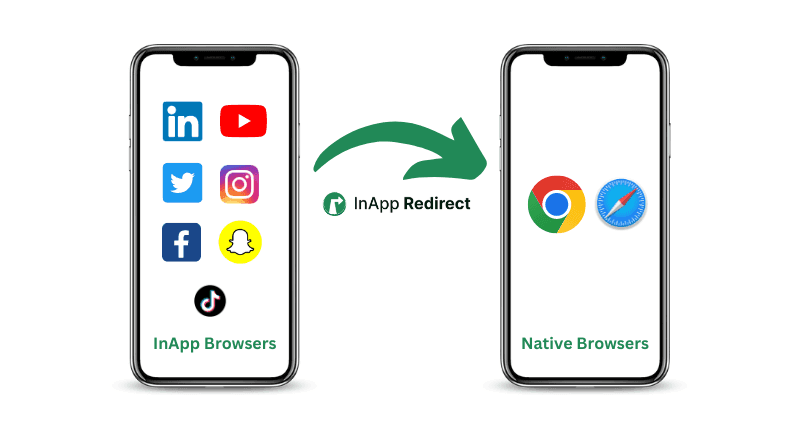
InApp Redirect helps eligible visitors continue to your website in an external browser, such as Safari or Chrome, with their consent.
The opportunity is straightforward: give the traffic you already earn a clearer path to action.
Why Paid Social Clicks Do Not Always Become Customers
A click tells you that your ad created enough interest for someone to investigate.
It does not tell you whether the destination loaded successfully, whether the visitor understood the offer, or whether they could complete the next step.
Imagine a returning customer opening an Instagram promotion. They recognize your brand and want to buy again, but the website asks them to sign in.
They may already have a valid session in their regular browser. This visit, however, has opened in a different browsing environment.
What should have been a quick return becomes a password search or an OTP request.
The same interruption can affect a subscriber reading an article, a traveller managing a booking, or a learner returning to a course.
This is an illustrative scenario, not a measured customer result. It shows why the journey after the click deserves attention.
Before buying more visits, check what your existing visitors are being asked to do.
Where the In-App Browser Fits Into the Journey
Social apps can open website destinations in an embedded browsing window.
Depending on the implementation, its session state and available features may differ from the separate browser your customer normally uses. That can influence account access, form entry, navigation, and payment handoffs.
Not every embedded browser behaves the same way, and not every abandoned conversion is browser-related. The useful question is whether your actual destination works better in another browsing environment.
An external-browser option is particularly worth investigating when:
- Returning visitors encounter an additional login.
- A form behaves differently across browsers.
- A booking or payment handoff fails in a specific environment.
- Customers report difficulty returning to an account or destination.
For a deeper diagnostic guide, read how in-app browsers can affect conversions.
Two Ways to Improve Your Paid Social Website Journey
A business running dozens of landing pages has different needs from a marketer sharing one campaign link.
InApp Redirect gives you a choice based on how you manage your destinations.
Own the website? Start with Domain Setup
You may already have working campaign URLs across product pages, booking flows, articles, and promotional landing pages.
Domain Setup lets you integrate InApp Redirect into your website and offer eligible visitors an external-browser route across its pages.
You can keep using your existing destination URLs rather than creating a separate SmartLink for every page.
This is a useful fit when:
- Your business controls the website.
- Campaigns regularly send visitors to different pages.
- You want to manage the browser-routing experience through one website integration.
Think of a travel business promoting several destinations, or a retailer launching new collections every week. The campaign changes, but the website setup can support the ongoing flow of eligible visits.
If your website is the destination, explore Domain Setup before rebuilding your campaign links.
Working with selected destinations? Use SmartLink
Sometimes the opportunity is one campaign.
You might be testing a landing page, sharing an external booking destination, or managing links for a client whose website you cannot edit.
SmartLink lets you configure an individual sharing link for a website destination.
Use it when:
- You want to start with a selected URL.
- You do not control the destination website.
- You want a campaign-specific routing approach.
Configure the destination, test the supported journey, and verify that the final page and campaign parameters are correct before publishing.
One well-tested campaign link is a practical place to start.
Make Your Campaign Links Easier to Manage
Browser routing addresses where the visitor continues. Link management helps you control what you share.
As campaigns expand, you may need recognizable addresses, click insights, and the ability to update a destination after a link has been published.
The InApp Redirect Link Shortener brings those capabilities into your workflow through branded short links, recorded click analytics, and destination management.
It also offers an external-browser route for supported traffic, with visitor consent.
This can help teams managing multiple offers, clients, or campaign destinations keep their links organized and easier to maintain.
Choose the product around the job you need to accomplish:
- Domain Setup: Routing across your own website.
- SmartLink: Routing for individual website destinations.
- Link Shortener: Branded sharing links and ongoing link management.
These are different starting points within your campaign workflow. Review the relevant product page to confirm the features and setup that fit your requirements.
Give Instagram Ad Clicks Somewhere Better to Continue
Your Instagram ad may earn only a brief window of attention.
The destination should carry the same promise as the creative: the relevant product, the advertised appointment, the course details, or the article the visitor expected.
Use Instagram in-app browser bypass to explore how eligible visitors can choose an external-browser journey.
Test from the actual ad placement and device. Check:
- Whether the intended destination opens.
- How the browser choice is presented.
- Whether a returning visitor has a valid session.
- Whether forms and payments complete.
- What happens when the visitor stays inside Instagram.
A strong campaign brings the visitor to the door. The experience after the click should help them walk through it.
The Opportunity Extends Beyond Ecommerce
A conversion is the next valuable action for your business.
Travel and hospitality
A campaign promotes a weekend escape. The visitor wants to check availability and reserve a room.
Test the entire booking flow, including dates, guest details, account access, and payment.
Education and training
A prospective learner clicks an ad for a course.
Help them move from interest to course details, an application, or enrolment without unnecessary obstacles.
News and media
A reader follows a promoted story or subscription offer.
For an existing subscriber, account recognition may matter. For a new reader, a clear subscription journey matters more.
Real estate and services
The visitor is ready to request a viewing, consultation, or appointment.
Check whether the form is easy to complete on a phone and whether the confirmation arrives as expected.
Ecommerce and retail
A customer wants to buy the item they just saw.
Follow the journey through product selection, cart, authentication, and payment. Investigate the exact point where the experience becomes difficult.
Across these industries, the commercial question is the same:
Can an interested visitor comfortably finish the action your campaign promised?
Keep the Journey Consistent When Customers Return Through WhatsApp
Paid acquisition is often only the first interaction.
A customer may return through a WhatsApp offer, booking reminder, renewal message, or news alert. That return visit deserves the same attention as the original campaign.
WhatsApp in-app browser bypass helps eligible visitors continue in an external browser where a valid website session may already exist.
This can be relevant to repeat purchases, subscriber access, reservation management, and customer portals.
Website authentication still applies. Browser routing does not transfer cookies or create a logged-in session.
The value is helping customers reach an environment they may already use—when that route makes their task easier.
Keep Your Campaign Measurement Connected
A clearer journey is useful only if you can evaluate its effect.
Before launch, confirm that your campaign parameters reach the intended destination. Check recorded outcomes against your website analytics and backend orders, bookings, or enquiries.
Preserving a URL parameter does not guarantee complete attribution. Continue using your existing analytics, consent management, Meta Pixel, and Conversions API setup as appropriate.
Also avoid treating a conversion-rate difference between browser categories as proof of browser-caused loss. Those groups may contain different audiences, devices, sources, and levels of intent.
Use those differences to identify questions worth testing.
For campaign setup and evaluation, explore native browser routing for Meta Ads ROAS.
Launch Your First Test in Four Steps
1. Choose one valuable journey
Select a campaign where you can observe the full outcome: a purchase, booking, paid subscription, or qualified enquiry.
Start with a clear task rather than every page on the website.
2. Choose your setup
Use Domain Setup for a website you control, or SmartLink for an individual destination.
If branded links and ongoing destination control are priorities, review the Link Shortener.
3. Test the experience before sending traffic
Follow the actual link from the intended source.
Verify the destination, visitor choice, browser handoff, campaign parameters, and completed action. Check the fallback experience too.
Use routing transparently to deliver the advertised destination. It should never be used to hide a different page from ad reviewers or visitors.
4. Measure completed actions
Where feasible, compare equivalent groups during the same period with the same offer and destination.
Include everyone assigned to the external-browser option, including visitors who decline or fail the handoff. That shows the effect of the complete journey.
For the measurement framework, read how to test native browser redirects and social ads ROAS.
Frequently Asked Questions
Can InApp Redirect improve paid social conversions?
It can help when an external-browser journey removes an obstacle affecting your visitors. Test the actual destination and measure completed actions to establish the benefit for your campaign.
Do I need to replace every ad destination URL?
Domain Setup is designed for websites you control and allows you to continue using existing destination URLs. SmartLink creates an individual sharing link for a selected destination.
Will customers already be logged in?
They may be if a valid session exists in the browser that opens. InApp Redirect does not transfer sessions or bypass website authentication.
Is a short link the same as browser routing?
No. Shortening changes the sharing address. Browser routing changes where a supported website journey continues. InApp Redirect offers tools that bring these capabilities into the same workflow.
Does browser routing guarantee that tracking works?
No. Verify the final URL parameters, analytics events, consent behavior, and recorded business outcomes. Browser routing supports the journey but does not replace your measurement implementation.
Does it work identically across every social platform?
No. Available behavior depends on the source app, device, placement, and supported product flow. Validate the environments you intend to use rather than assuming universal behavior.
What if my destination should open in an installed app?
Explore App Opener for supported installed-app destinations. Choose it when the intended action belongs in an app rather than on a website.
Before Your Next Campaign Goes Live, Follow the Click
You have invested in reaching the right person.
Give the next step the same attention.
Choose a campaign, experience the destination on your phone, and identify the point where interest becomes effort.
Then choose your route:
Explore Domain Setup for your website.
Explore SmartLink for a selected destination.
Explore Link Shortener for branded links and campaign control.
Your next opportunity may already be clicking. Make the journey easier to complete.
Written by
About the author

Shubham Saurabh
Connect on LinkedInShare this article
Found it useful? Pass it along.