


A
Amazon
Shopping
Turn a normal mobile URL into an app opener that takes high-intent visitors directly to Amazon, YouTube, Spotify, WhatsApp, and other supported apps—with a safe browser fallback.
One tap. Right app.
A shorter path to action
Instagram, WhatsApp
Visitor taps your campaign link
App Opener
Detects the best supported destination
Native app
Opens the exact content in-app
Destination
Open product in Amazon App
Fallback: Website
Paste a public destination URL. We will identify the matching app and preview the mobile journey before you create the real link.
YouTube detected
On mobile, this link can continue in the YouTube app with a browser fallback.
Mobile journey preview
No redirect is run in this demo
Visitor taps your link
From an ad, bio, email, or message
InApp Redirect finds the best route
The original destination stays intact
Open YouTube
Use the website if the app is unavailable
Explore popular shopping, video, music, messaging, travel, food, finance, productivity, and social apps.
Showing 18 of 18 apps
Shopping
Shopping
Shopping
Shopping
Shopping
Shopping
Music
Video
Video
Video
Music
Music
Messaging
Messaging
Travel
Travel
Travel
Travel
If the destination should remain a website but open outside Instagram, WhatsApp or Facebook, use a SmartLink instead.
Send shoppers to the exact product in the app where they are already signed in, with affiliate and campaign parameters intact.
Move listeners and viewers from social posts to the right song, playlist, channel, show, or video in one shorter journey.
Open listings and itineraries inside trusted travel apps so customers can continue with saved details and familiar checkout flows.
Make bio, Story, newsletter, and messaging links open directly in WhatsApp, Telegram, Discord, and other community apps.
Reduce the friction between a high-intent ad click and the native destination while preserving the parameters your reporting needs.
Guide users into the app experience they already know, with a website fallback for visitors who do not have the app installed.
Running Meta campaigns? Read the hidden fix most brands ignore.
Connected product suite
Use App Opener to find the right app destination, then pair it with the product that best matches how you share the link.
Create branded short links, review recorded clicks, and manage destinations after sharing.
Explore Link Shortener
For creating supported YouTube app-opening links to share in bios, Stories, emails, and DMs.
Explore YouTube App OpenerBest for brands running Meta Ads to their own website that want visitors to open landing pages in Chrome or Safari.
Explore Domain SetupFor links to destinations you do not control that should open in the user's native browser.
Explore SmartLinkFor one branded profile page that routes every child link to a better destination.
Explore Link in BioFor opening supported mobile apps directly from social, creator, and campaign traffic.
Explore Deep LinkHelp visitors open Instagram website links in an external browser. Choose Domain Setup or individual SmartLinks for your campaigns.
Instagram browser bypassExplore this guide to plan your next steps with InApp Redirect.
WhatsApp browser bypassExplore the platform and find the right browser-routing or app-opening solution for your traffic.
Explore InApp RedirectExplore native browser routing for Meta ads and estimate your additional monthly revenue.
Improve Meta Ads ROASCalculate current ROAS from revenue and ad spend, then compare an optional browser-routing scenario.
Calculate Meta Ads ROASCompare plans, included features, and usage limits to find the right option for your campaigns.
Compare plans and pricingFind the right setup for Meta Ads, ecommerce, creator content, and other campaigns.
Explore all use casesRead practical guides to native browser routing, sharing links, and opening content in mobile apps.
Explore BlogsBrands, Creators and Influencers use InApp Redirect to turn high-intent social traffic into journeys that feel faster, convert better, and measure cleanly.
Everything you need to know before opening links in native apps.
An app opener is a link that sends a mobile visitor to a specific destination inside a supported native app instead of leaving them in a web or in-app browser.
Paste the destination URL into InApp Redirect, choose the matching app, and create an app-opening deep link. Share that generated link in ads, social posts, messages, emails, or your link-in-bio page.
Yes. App-opening links can route visitors on both iOS and Android, although the exact behavior depends on the destination app, operating system, and whether the app is installed.
The visitor is sent to a safe web fallback so the journey continues instead of ending on a broken link.
Yes. App-opening links are useful for traffic from Instagram, WhatsApp, Facebook, TikTok, creator profiles, Stories, ads, and other places where a normal URL may otherwise open inside an in-app browser.
InApp Redirect is designed to preserve query parameters, including UTMs and supported affiliate identifiers, when the visitor moves to the destination.
InApp Redirect currently supports 18 popular shopping, video, music, messaging, and travel apps. Use the directory on this page to find a supported destination.
No. You can create app-opening links without adding an SDK to your mobile app or changing the destination website.
No link can override operating-system security or a visitor's device settings. The app must support the destination and usually needs to be installed; otherwise the visitor receives the web fallback.
Use an app opener when the ideal destination is a native app. Use SmartLink when the destination is a website that should open in Safari or Chrome instead of an in-app browser.
Create an app opener in minutes, test the destination, and share it across your campaigns—no SDK required.
Start free. No credit card required.
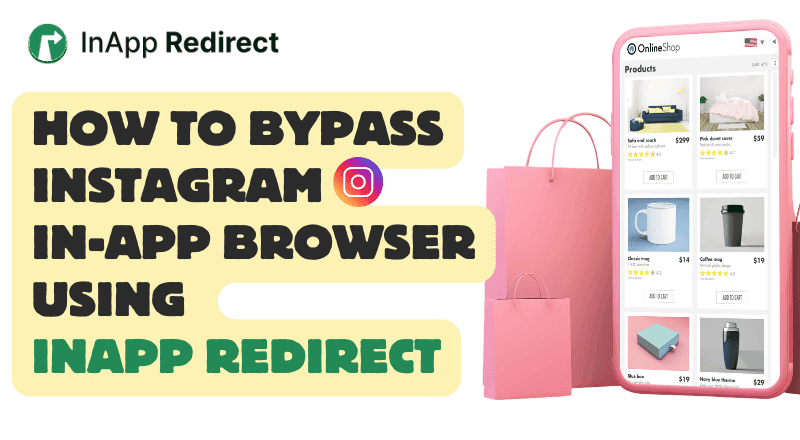
Discover how to boost social media ads ROAS results by bypassing Instagram’s InApp Browser using InApp Redirect. Improve user experience, tracking accuracy, and conversions effortlessly.

Discover how in-app browsers are hurting your social media ad conversions by limiting user experience. Learn how you can redirect users to default browsers, save their session, and boost your conversion rates with InApp Redirect!

Discover what happens after a Facebook or Instagram ad click, why browser choice matters, and how InApp Redirect helps visitors take the next step.

Discover methods for directing links to open in the system browser rather than within the confines of an in-app browser for a better browsing experience.
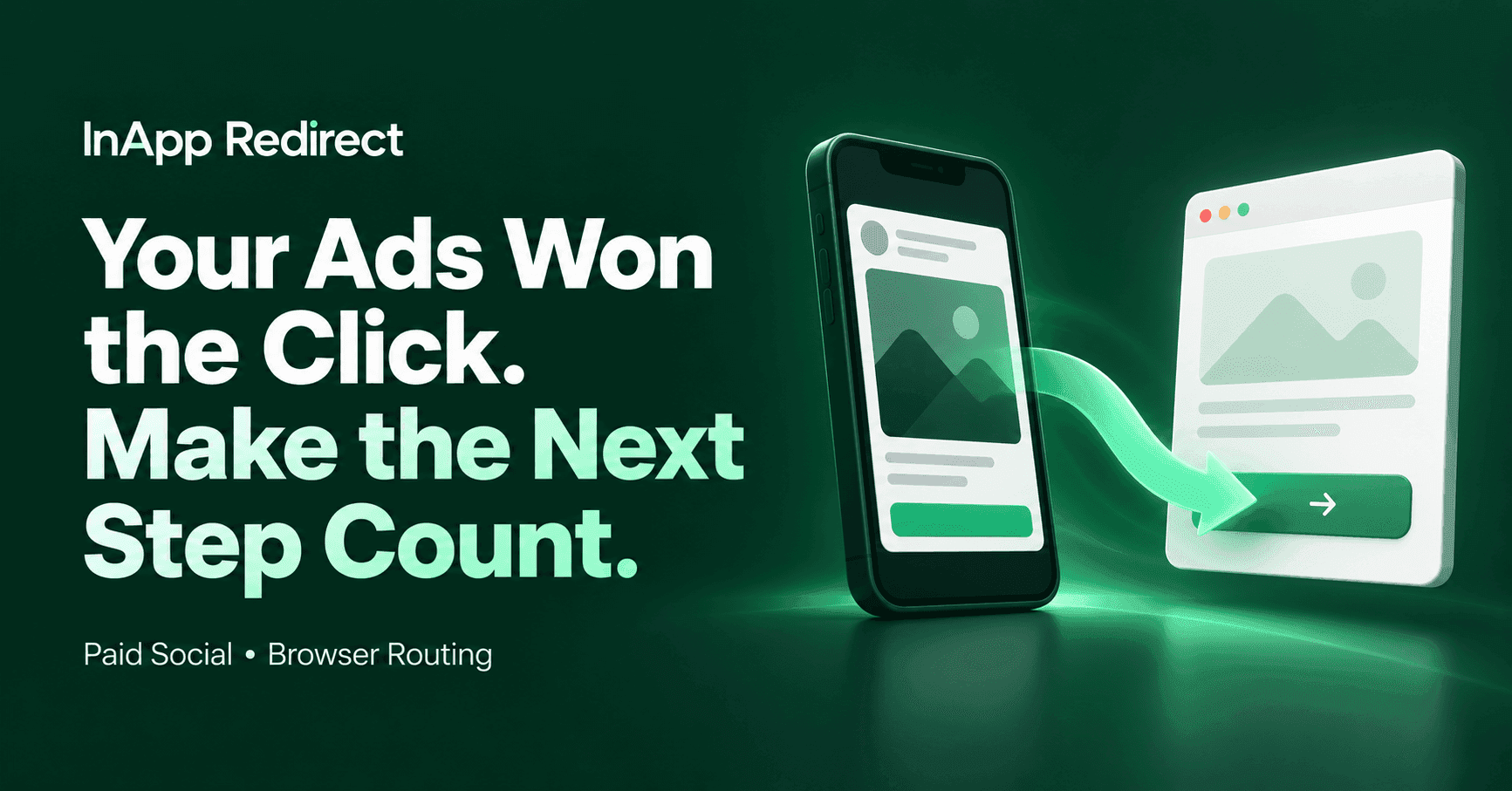
Your social ads earned the click. Discover how InApp Redirect helps improve the journey to your website with Domain Setup, SmartLinks, and browser routing.
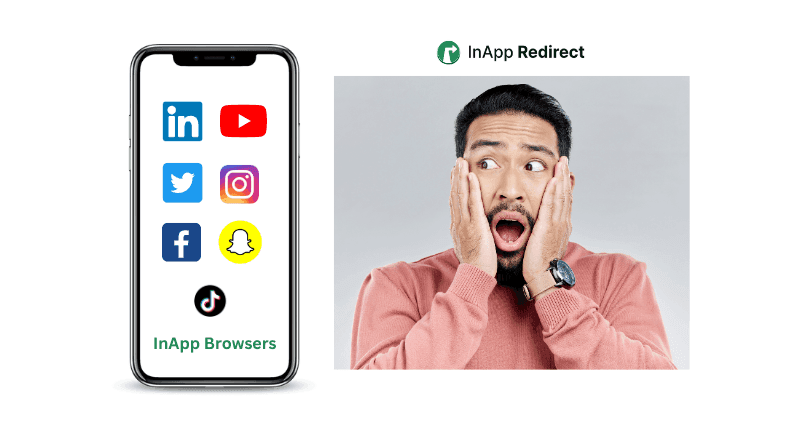
Understand the difference between in-app browsers and default browsers and how they impact your browsing experience.
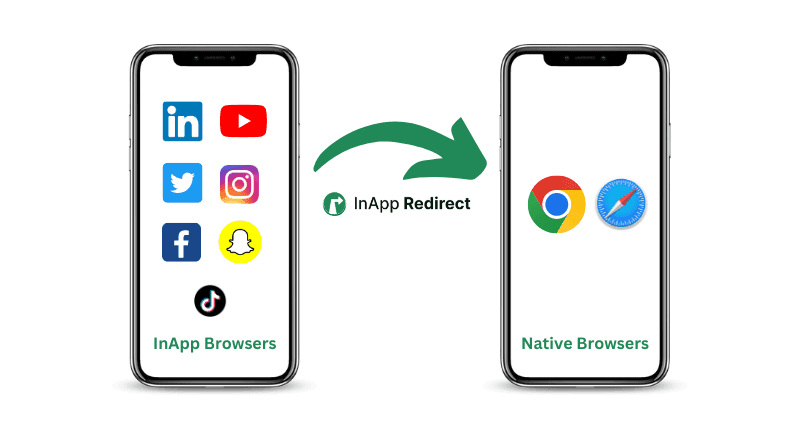
Follow simple steps to direct URLs to open in external browsers for improved functionality and accessibility across various devices and platforms.
Improve Meta ads performance by fixing in-app browser issues. Redirect users to native browsers to increase ATC, checkout completion, and ROAS.
Instagram links not opening? Find out whether it’s a broken URL, browser issue, or app-opening problem—and how InApp Redirect can help visitors continue.
Discover how redirecting social ad clicks to native browsers can enhance your Return on Ad Spend (ROAS) and improve campaign performance.
Discover how to bypass Facebook’s in-app browser to boost your website conversions and improve ROAS. Learn how InApp Redirect ensures a seamless user experience.
Learn about the security considerations of in-app browsers and how to ensure a safe browsing experience.