Home
Domain Setup
Link In Bio
SmartLink
Deep Link
Use Cases
Blogs
Pricing
Shubham

Shubham Saurabh

Co-founder & CEO

Or write to us at
support@inappredirect.com

InApp Browsers are killing your Meta Ads Conversions?

We can help you boost your meta ads conversion rate by redirecting users to open the URL associated with your meta ads in their native browser.

Start For Free
Book a Demo

No CC Required

Already being used by 3000+ performance marketers, influencers and brands

Quick Answers

What is InApp Redirect and when should you use it?

InApp Redirect helps brands, creators, and performance teams move high-intent traffic out of Instagram, Facebook, and other in-app browsers into native browsers or apps where attribution, checkout, and user experience work properly.

What is InApp Redirect?

InApp Redirect helps brands, creators, and marketers recover conversions lost inside Instagram and Facebook in-app browsers by intelligently moving visitors into native browsers like Chrome and Safari, or directly into installed mobile apps such as YouTube, Spotify, Amazon, and others.

Who is it for?

InApp Redirect is built for ecommerce brands, D2C companies, FinTech companies, affiliate marketers, creators, agencies, and performance marketing teams that rely on Meta traffic and care about maximizing conversion rates, attribution accuracy, and customer experience.

How does it help?

InApp Redirect helps eliminate the friction caused by Instagram and Facebook in-app browsers by moving visitors into Chrome, Safari, or the right native mobile app before they continue their journey. This reduces checkout issues, payment failures, broken sessions, attribution gaps, and conversion drop-offs that commonly occur inside restrictive in-app browsers.

When should you use it?

Use InApp Redirect whenever your traffic comes from Instagram, Facebook, influencer campaigns, or Meta ads and users are landing inside an in-app browser. It is especially valuable for ecommerce stores, checkout flows, affiliate links, and app journeys where every conversion matters. By moving visitors into Chrome, Safari, or the right native app, you can reduce friction, improve attribution accuracy, and maximize the return on your marketing spend.

arrow

BTW, do you know? 🤔

~25% social ads conversion loss

line

is estimated to be caused by in-app browsers.

Buyers tend to avoid making purchases through in-app browsers, not because they're inherently bad, but due to the subpar browsing experience they provide. When was the last time you saw an ad and completed a purchase directly from the ad click itself?

But, what the heck is an InApp Browser?

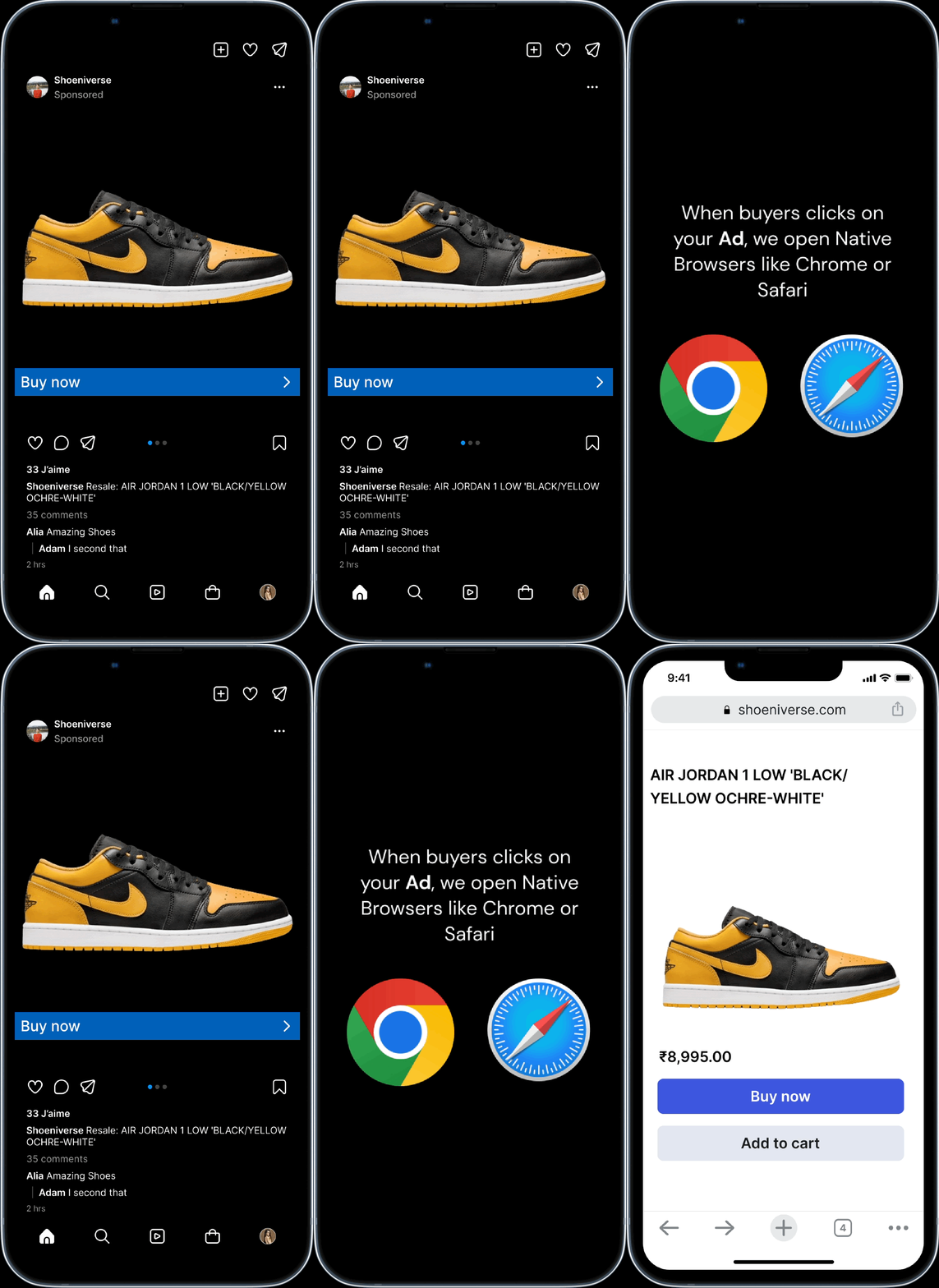
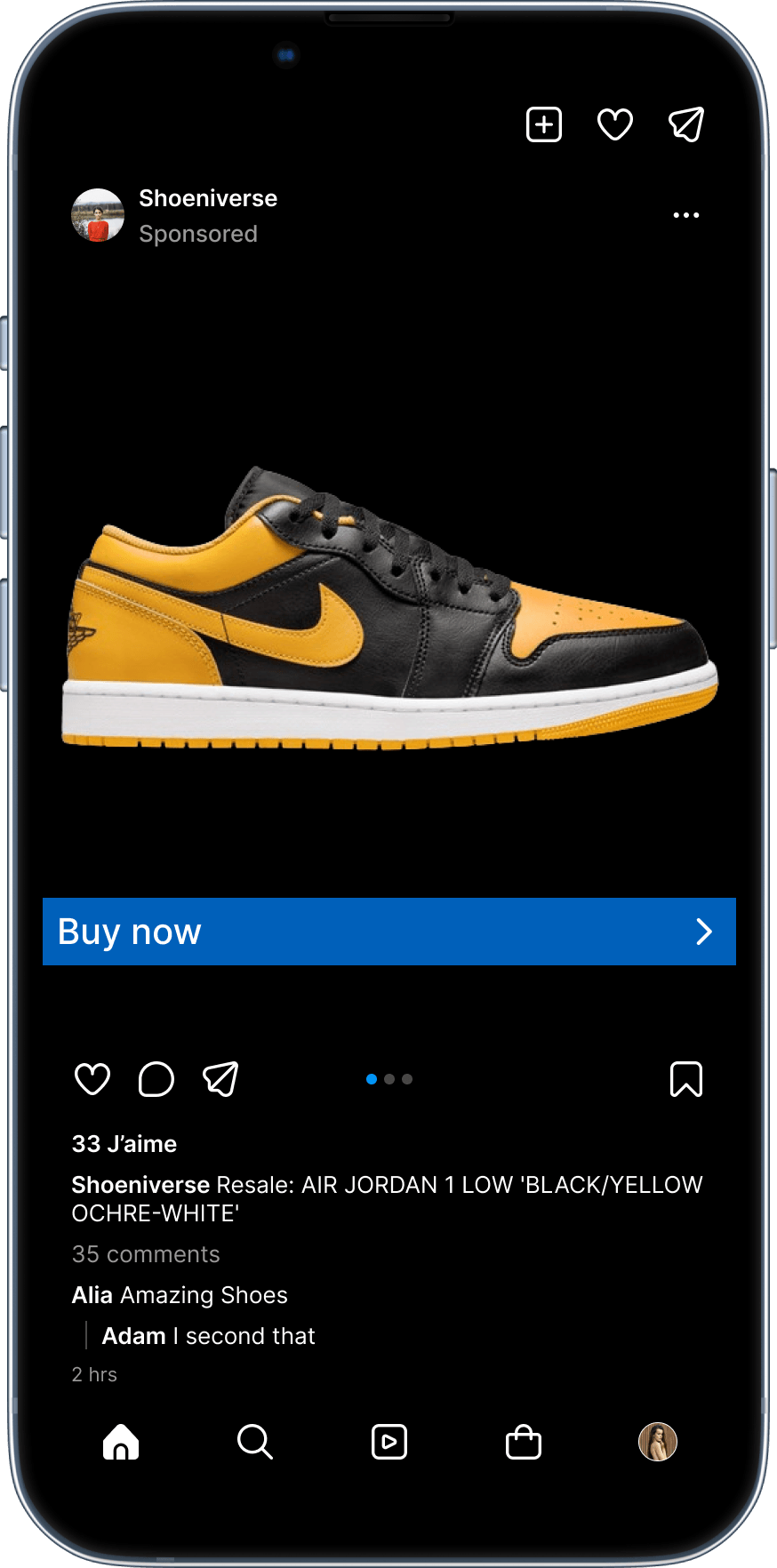
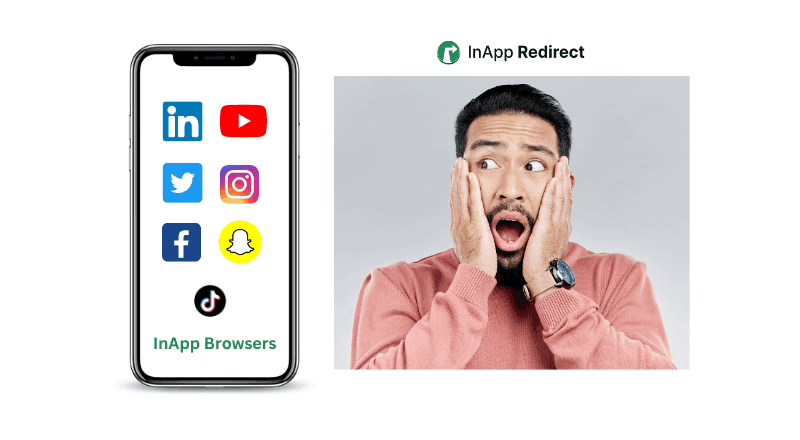
Imagine you're scrolling through your favorite social media app on your phone, and suddenly you see an ad for a product you're interested in. You click on the ad, but instead of opening the website in your regular web browser, the website opens up right inside the social media app itself. That's an in-app browser!

& guess what, they are good for nothing. See for yourself 👀

Features

InApp browser

Native browser

Multiple tabs for product comparison

Forms & payments autofill available

Browsing history for "Buy Later"

Cookie availability

Push notifications availability

Retargeting availability

Exposure to Google from Social Media

arrow

So, what’s the solution?

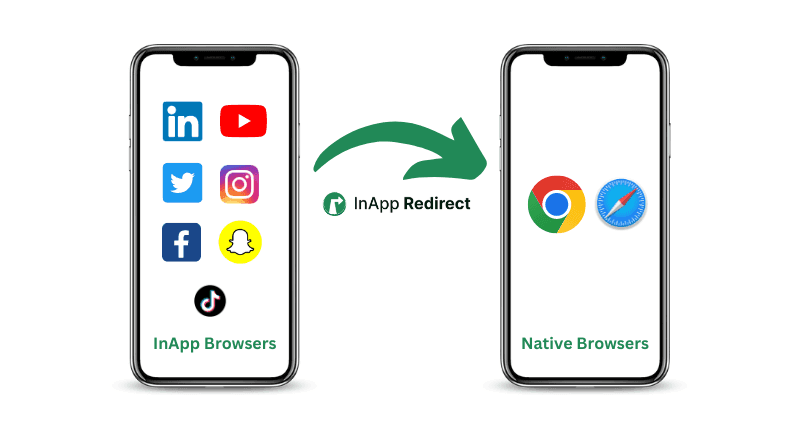
Redirection to Native Browsers from InApp Browsers 🥳

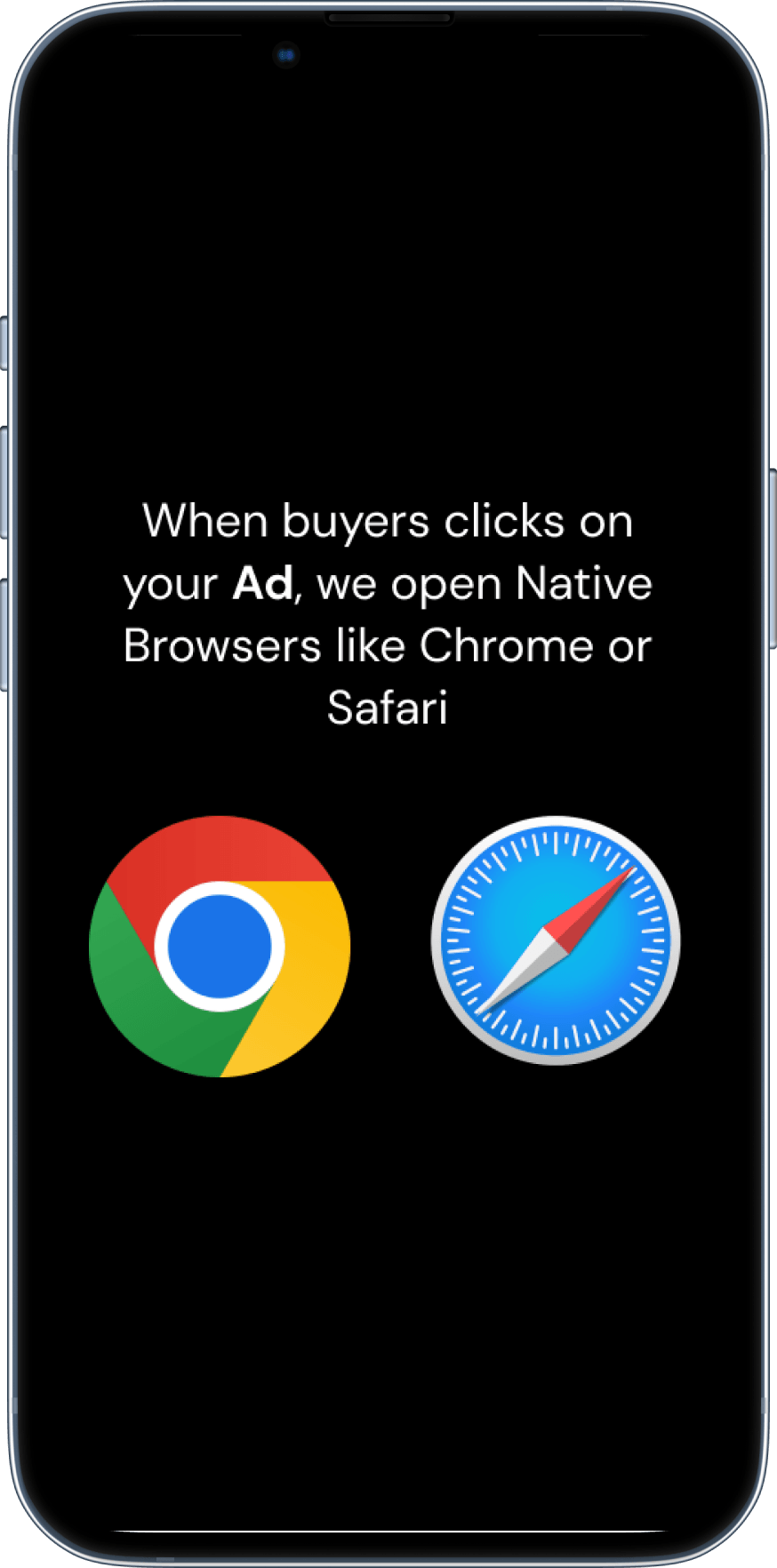
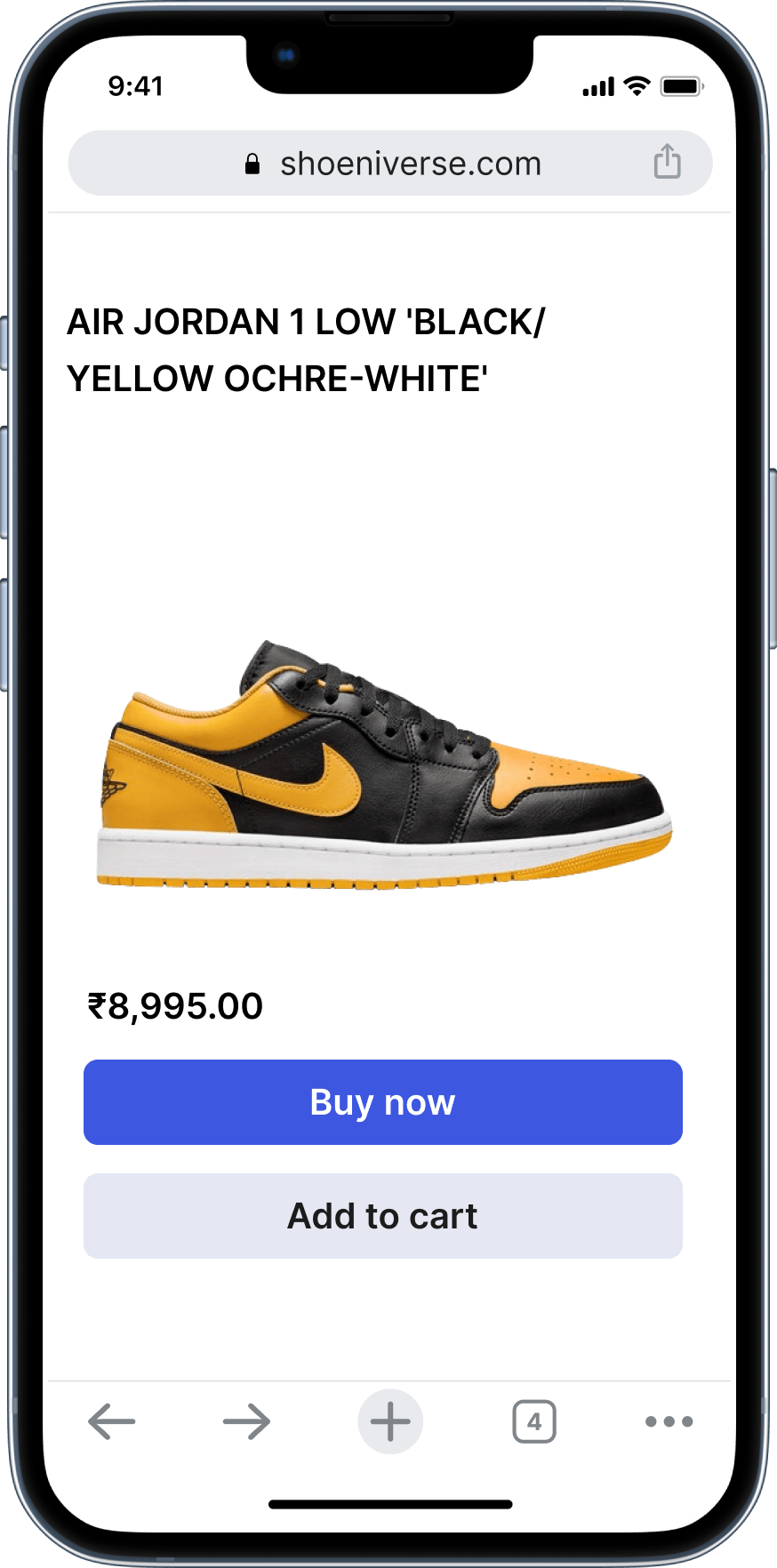
Redirecting users to open socials ad URLs in their native browsers instead of in-app browsers can boost your social ads conversion rate and revenue!

inapp-redirection-gif

Your Ad

Solution Image
Arrow Image

Our pixel redirection

Solution Image
Arrow Image

Native browser

Solution Image

Everything you need to Open Instagram and Facebook Links in Chrome/Safari

Move users out of Instagram and Facebook's in-app browsers and into Chrome, Safari, and supported mobile apps while preserving attribution, reducing drop-offs, and maximizing conversions from social traffic.

Domain Setup

Install the InApp Redirect script once and automatically move Meta ad traffic from Instagram and Facebook in-app browsers to Chrome or Safari for better conversions and attribution.

Link-in-Bio

Create mobile-first bio pages that open both your bio and its links directly in Chrome, Safari, and supported mobile apps while keeping all your content organized in one place.

Smart Link

Route every click intelligently to Native Browser like chrome and safari with preserved tracking, and cleaner attribution from Instagram and Facebook inapp browser.

Deep Link

Open links from Instagram and Facebook directly in supported mobile apps like YouTube, Spotify, Amazon, and more instead of sending users through web pages and in-app browsers.

Frequently Asked Questions (FAQs)

Imagine you're scrolling through your favourite social media app on your phone, and suddenly you see an ad for a product you're interested in.

You click on the ad, but instead of opening the website in your regular web browser, the website opens up right inside the social media app itself. That's an in-app browser!

We have developed InApp Redirect to boost your social media ad ROAS and website conversion rate!

Shoppers often hesitate to buy directly from in-app browsers due to several limitations:

  • No Multiple Tabs: In-app browsers don’t support multiple tabs, making it hard for users to compare products before purchasing.
  • No Autofill for Forms & Payments: Essential autofill options are missing, leading to a more tedious checkout process.
  • No Browsing History: In-app browsers don’t save browsing history. Many users prefer to shortlist items and “buy later,” but all selections disappear once they close the in-app browser on Instagram or Facebook.
  • No Cookies: Without cookies, there’s no tracking or retargeting potential.
  • No Push Notifications: Users miss out on essential alerts or reminders to complete their purchase.

Read more here, Why In-App Browsers Are Killing Your Conversions (And How You Can Stop It!)

Integration is simple. Just add our pixel/script to your website footer using either GTM or a direct script addition approach.

By ensuring smooth and efficient Native browser redirection process, our solution helps maintain user flow and satisfaction, leading to higher conversion rates and improved customer satisfaction, ultimately boosting your business’s bottom line.

We have a dedicated support team with a fast turnaround time. You can reach us at support@inappredirect.com

Yes, security is paramount. Our solution includes robust measures to prevent vulnerabilities, ensuring that all redirects are performed securely and protecting your users and your business.

Absolutely. Our solution provides extensive customization options, allowing you to define redirection approach and conditions for redirects, ensuring they align perfectly with your business requirements and user flows.

Yes, it's compatible with all technologies. As long as you can add a pixel or script to your code, our solution will work seamlessly.

We provide a UTM parameter "utm_term=inappredirect" for tracking redirected users and monitoring conversions. 

  • If you run social media ads, InApp Redirect is the perfect solution for you.
  • If your influencer marketing campaigns drive visitors from social media to your website, InApp Redirect is an ideal fit.
  • If you share your website links on social media platforms like X or LinkedIn, where majority of the users are on mobile apps, then InApp Redirect is the right choice.

Yes. InApp Redirect retains all UTM parameters when redirecting users to external browsers. This ensures that campaign-level attribution remains intact, and your Meta Pixel can still track conversions accurately.

Absolutely. You can install the InApp Redirect script on your root domain. Once installed, users who land on your domain from apps like Instagram or TikTok will be automatically redirected to their native browser. Just ensure all links are hosted on your root domain, as third-party links won’t be covered by the redirection.

No. All UTM parameters are preserved when users are redirected to the external browser, along with an additional inappredirect parameter for better attribution.

Yes. We include platform-specific metadata as part of the redirection process, helping you identify which app the user came from and what browser they were redirected to—ensuring full visibility in your analytics.

Yes. Our script detects in-app browser usage and prompts the user to continue in their default browser.

  • On Android: Consent is asked once per session.

  • On iOS: Consent is asked once and remembered for future visits.
    If the user selects "CONTINUE," redirection happens seamlessly. If they choose "CANCEL," they remain in the in-app browser but can still switch later using a provided widget.

InApp Redirect is engineered to comply with OS-level behaviors. While iOS and Android both enforce consent for opening external browsers, our system ensures that once consent is given, redirection happens consistently. Variability in other tools often stems from not handling OS prompts correctly or missing UTM data, which our solution avoids.

No. Our system ensures that the user's initial landing happens inside the in-app browser, where the Meta or TikTok pixel is triggered. After that, users are prompted for redirection. Because pixel firing happens before redirection, all tracking and retargeting remain intact. UTM parameters are preserved to maintain conversion attribution.

arrow

Still have questions? Let's schedule a call and get you answers.

You are leaving conversions on the table, and that's bad for your revenue and also hurting your bottom line!!

Book a free discovery call

Discover more with our blogs

open-ads-link-in-external-browser
shubham
3 minute read

How to Open Links in Default Mobile Browser Instead of In-App Browser?

Discover methods for directing links to open in the system browser rather than within the confines of an in-app browser for a better browsing experience.

Social-Ads-ROAS-image
shubham
3 minute read

Boost Social Ads ROAS with Native Browser Redirects

Discover how redirecting social ad clicks to native browsers can enhance your Return on Ad Spend (ROAS) and improve campaign performance.

open-links-in-external-browser
shubham
3 minute read

Opening URLs in External Browsers: A Quick Guide

Follow simple steps to direct URLs to open in external browsers for improved functionality and accessibility across various devices and platforms.

Demo-Image-1
shubham
3 minute read

Security of In-App Browsers: What You Need to Know

Learn about the security considerations of in-app browsers and how to ensure a safe browsing experience.

How-to-bypass-facebook-browser
shubham
3 mins minute read

How to Bypass Facebook's In-App Browser for Better Website Conversions and ROAS with InApp Redirect

Discover how to bypass Facebook’s in-app browser to boost your website conversions and improve ROAS. Learn how InApp Redirect ensures a seamless user experience.

Inapp-browsers-vs-native-browsers
shubham
3 minute read

What is the Difference Between In-App Browser and Default Browser?

Understand the difference between in-app browsers and default browsers and how they impact your browsing experience.

Inappredirect-homepage-preview-image
shubham
3 minute read

How to Increase Meta Ads Conversions? (The Hidden Fix Most Brands Ignore)

Improve Meta ads performance by fixing in-app browser issues. Redirect users to native browsers to increase ATC, checkout completion, and ROAS.

poor-roas-image
shubham
3 minute read

Why In-App Browsers Are Killing Your Conversions (And How You Can Stop It!)

Discover how in-app browsers are hurting your social media ad conversions by limiting user experience. Learn how you can redirect users to default browsers, save their session, and boost your conversion rates with InApp Redirect!

How-to-bypass-instagram-browsers
shubham
3 minute read

How to Bypass Instagram’s InApp Browser for Better ROAS with InApp Redirect

Discover how to boost social media ads ROAS results by bypassing Instagram’s InApp Browser using InApp Redirect. Improve user experience, tracking accuracy, and conversions effortlessly.